

🎯 Stop Guessing. Start Controlling Your Creative Output. ✨
A blueprint for consistent characters, realistic textures, and the secret to building a faster, smarter creative department. 🪄

Hey friends!
Happy New Year! 🎉
I hope you found some time to recharge and set your goals for 2026.
As we jump into the “New Year, New Tool” season, I’ve been reflecting on how much has changed since the first AI rush of 2022. Over the last few years, I’ve witnessed heavily funded giants vanish and tiny bootstrapped tools take over.
In my experience, the secret sauce is community. The tools that survive are the ones that actually listen to us. They understand that we want a seamless UX—the ability to hit “generate” the second we sign up. There are so many clones out there right now, which is exactly why I’m here. My mission is to test them all and show you only the gems, so you don’t have to waste a second of your creative time.

One tool I’ve been testing that perfectly fits the “seamless UX” trend is Mosaic. It moves away from the traditional, clunky timeline and uses something much more intuitive: a collection of “tiles” configured for specific video editing use cases.
What’s cool is the flexibility, you can jump in with their templates or build your own custom Mosaic (workflow) to suit your unique style. Once you’ve nailed a process, you can save that entire workflow to use again and again. But the real “wow” moment for me was seeing it generate motion graphics directly onto raw footage. It’s a huge time-saver that used to require three different apps and a lot of headaches. You can watch a video I made with motion graphics generated by Mosaic.
And the AI agents "watch" your footage and handle the tedious stuff like B-roll and trimming automatically, leaving you more room to be the creative director.
If you're tired of the old way of editing, this is a tool built for the speed of 2026.⚡

Thank you, Mosaic for sponsoring this post!💜
Interested in reaching a community of AI-forward creators?
You can find all the details on sponsoring a future issue right here.
🎥AI Video
Today, we are creating something unique: AI video with music! 🎶I just tried the new feature in Producer AI, 'Spaces,' and built this Pulse 3D Visualizer. All you have to do is chat! Spaces revolutionizes AI music creation by shifting from simple track generation to 'Vibe Coding' — building complete, interactive 3D experiences. It auto-generates custom reactive visualizers (built with React and Three.js) that respond in real-time to the frequencies of your AI-composed music, turning tracks into immersive environments. The workflow is straightforward: click '+ New Space' inside the Producer AI studio, let the AI suggest interactive artifacts (or write your own prompt), select a vibe, and the AI automatically writes and deploys the code for a personalized, song-driven mini-app. This bridges AI music generation with creative coding, enabling producers and creators to move from merely listening to music to fully 'inhabiting' interactive musical worlds. This is one of the coolest tools I have seen recently! You can view my app here. 😉
✨ New AI Creative Gems You Don’t Want to Miss 💎
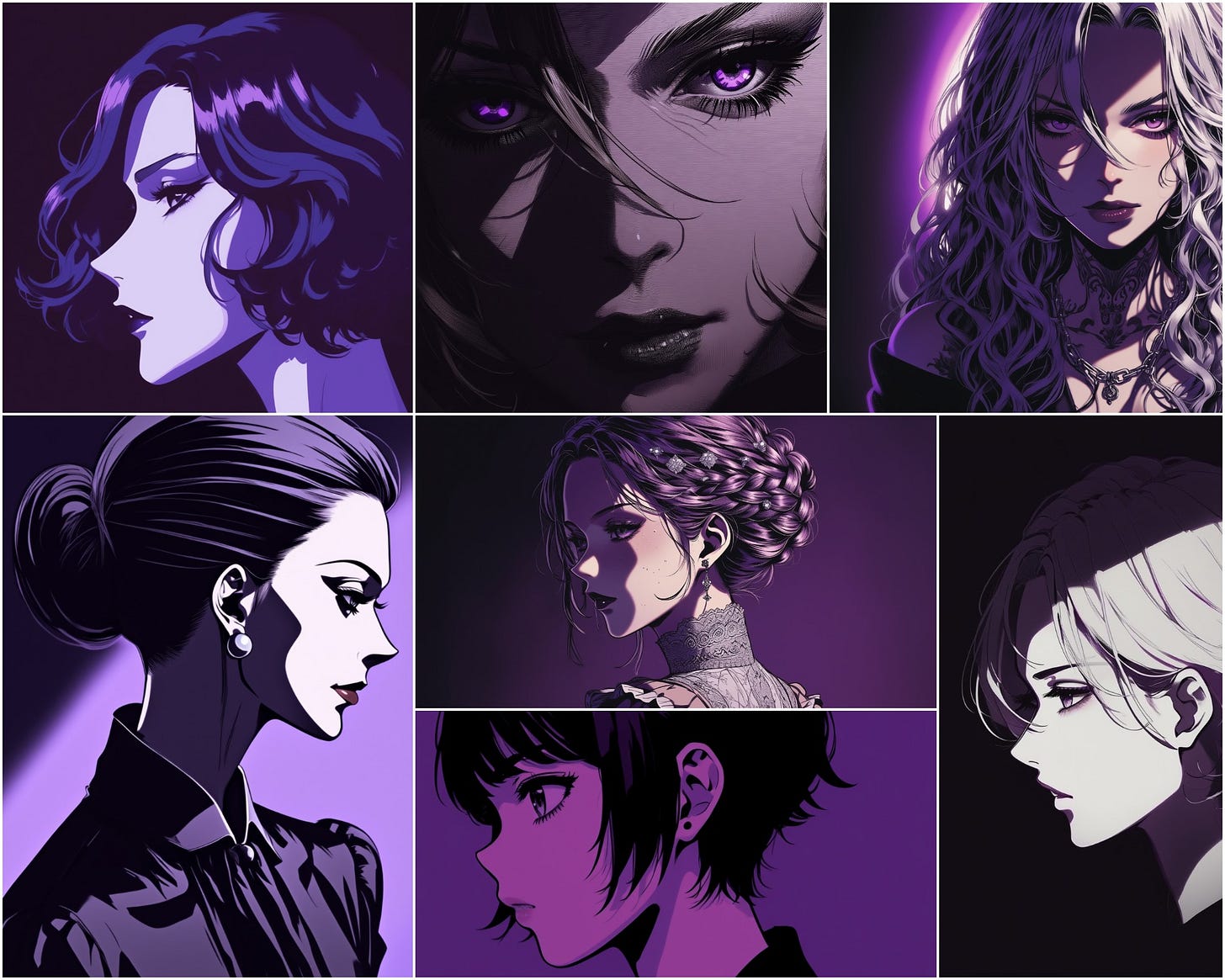
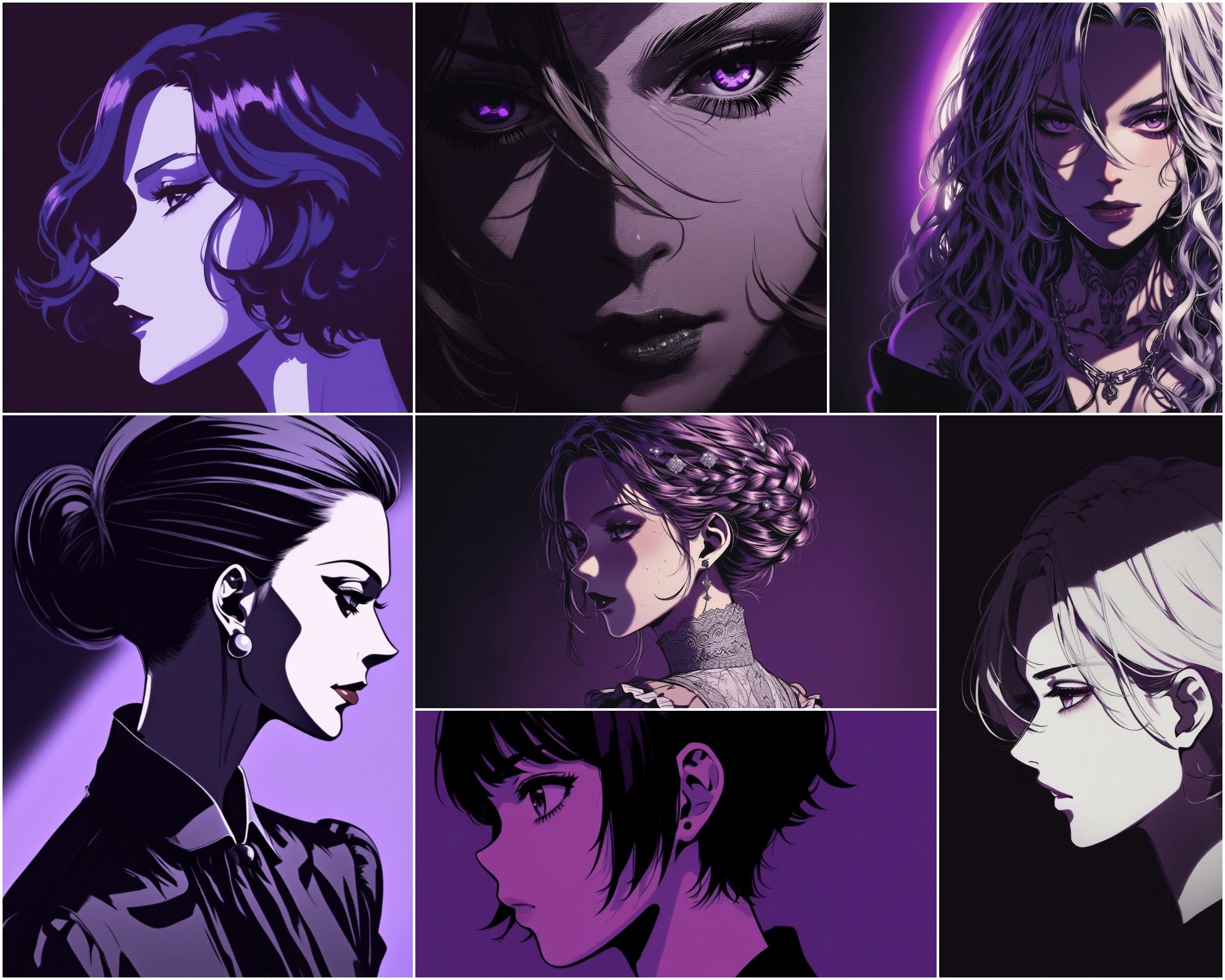
Midjourney just dropped Niji 7, and it’s a massive jump. It is significantly more literal and coherent, fine details like eye reflections and background elements finally stay sharp.
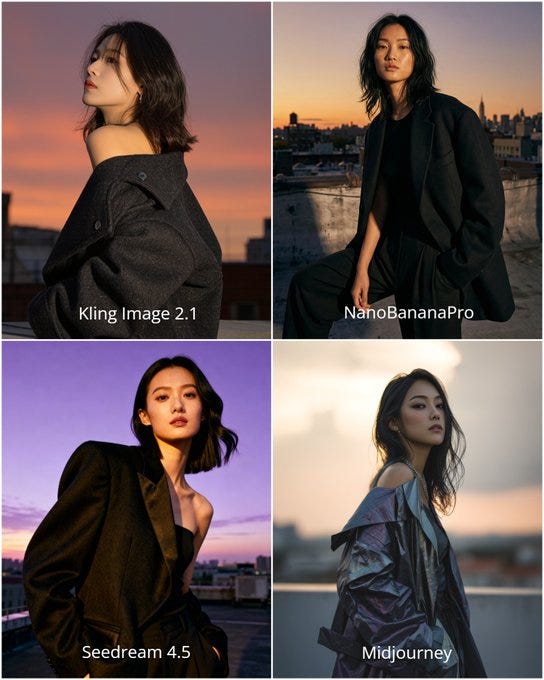
In my latest head-to-head test, Kling 2.1(the latest image model) pulled ahead of Midjourney and Seedream 4.5 for realistic skin rendering, delivering an unedited "RAW photo" look that handles complex side-lighting and "Golden Hour" glows beautifully. Just a pro-tip from my experiments: skip the freckles for now as the model currently struggles with them, stick to "clean skin" and "subtle pores" to nail that high-end editorial finish.
My prompt:
Highly realistic editorial fashion photograph of a young Chinese woman in her early 20s, with natural clean skin showing subtle pores and light uneven tone, delicate East Asian features, almond-shaped dark eyes, and straight black shoulder-length hair with soft waves. She poses confidently on a generic urban rooftop at golden hour, dramatic side lighting with purple sunset sky touches. She wears only a realistic oversized tailored jacket... captured in powerful low-angle Vogue-style shot, 8K ultra-detailed photorealism.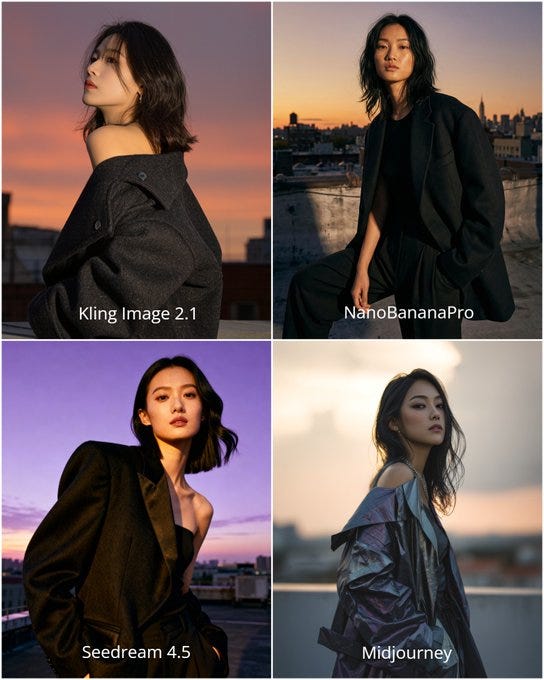
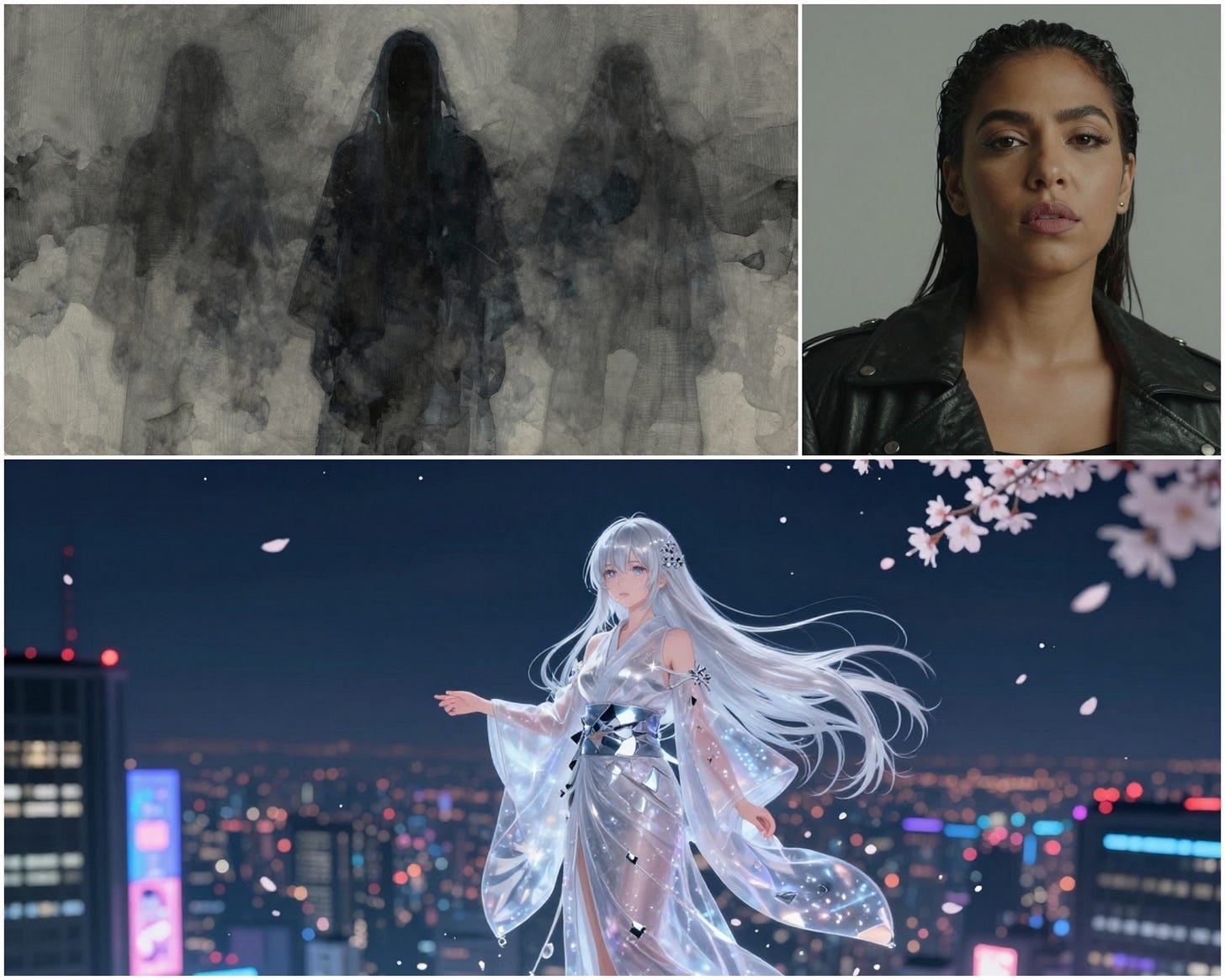
Pruna AI is a must-have for state-of-the-art speed and cost savings, featuring proprietary P-Image and P-Edit models that generate and edit high-quality visuals in under a second. It offers 20 free generations daily and delivers best-in-class efficiency, handling a massive variety of creative styles beautifully. I generated these 3 images in just 3 seconds and they look amazing!✨ 👇
Another free gem you’re going to love: Hyper3D. It’s a high-quality AI video generator with no watermarks, a rare find these days for anyone needing clean, professional motion at no cost. Just head to the video tab on their site and start creating. I generated this video with it, and the quality is incredible!
Grab my prompt:
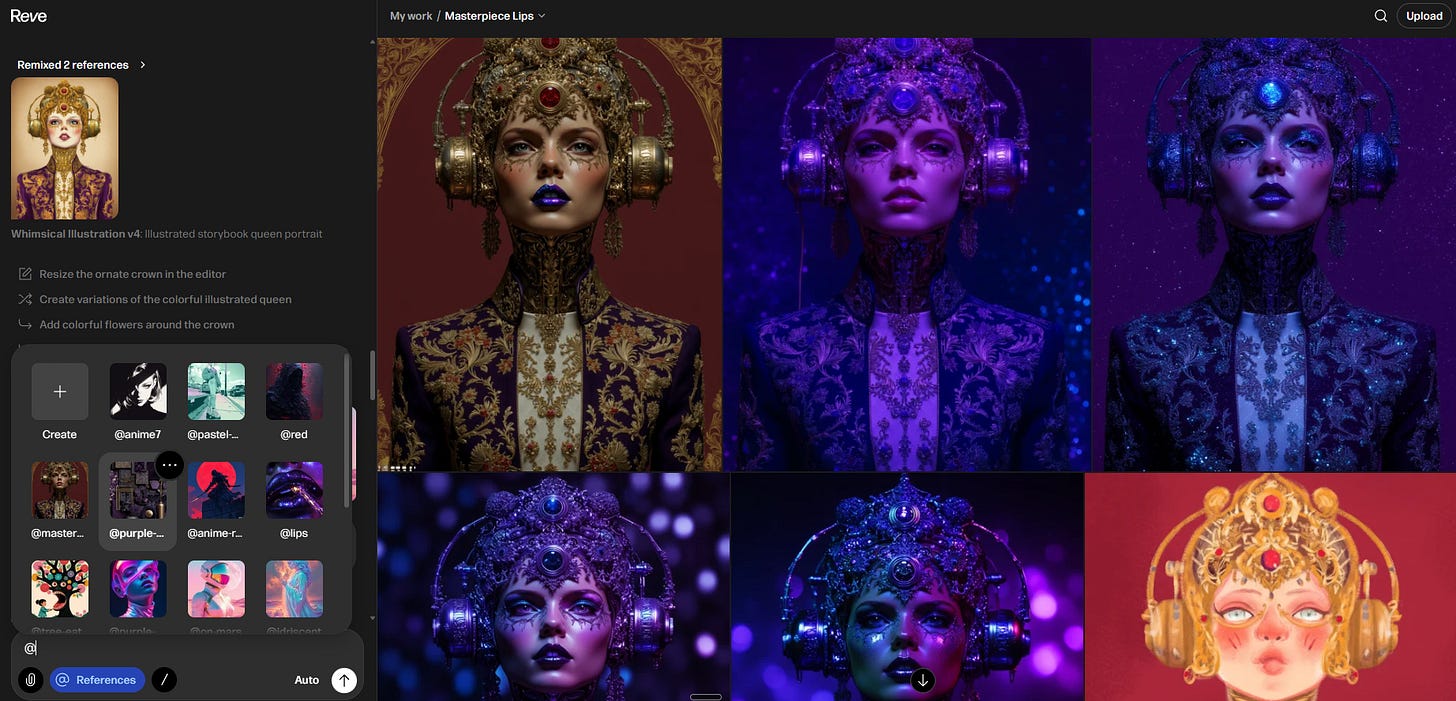
Intense low-angle tracking shot through a burning futuristic city street: exploding vehicles, collapsing buildings, sparks and embers filling air. Medium shot of a cybernetic female warrior in sleek armored exosuit with glowing red accents, carbon fiber texture scarred from battle, sprinting forward while firing plasma rifle. Close-up on her determined green eyes, sweat and ash on skin, short hair matted. She leaps over debris, rolls, and unleashes a shockwave blast. Fast-paced motion, muzzle flashes, realistic smoke and fire particles. High-octane cinematic action. High resolution 4k.Reve Reference is a massive update that finally moves us past the "hit or miss" nature of AI by allowing you to reference anything, styles, characters, and even layouts, with surgical precision. You can now layer multiple reference images into a single prompt to guide the AI exactly where you want it to go, rather than just hoping for a lucky generation. It’s the ultimate tool for anyone who needs to keep their visual story consistent and their creative control absolute.
Just hit the Ref button, upload your images, save and name them, and go create something wild!


💎 Gems: AI Creative Tools I’m Loving 💜
Vidu’s Q2 Multiframe, it’s a total game-changer for control. You can now upload up to 10 frames, set the duration, and describe the transitions between them. The best part? I created this entire sequence without using a text prompt at all.
Here is the exact workflow I used:
The Visuals: First, I generated a series of images in Ideogram using one of my favorite styles, “Bright Art,” with a dead-simple prompt: “New beginning.” (same prompt I used to generate the hero image above👆)
The Motion: I uploaded those 10 images to Vidu’s Q2 Multiframe to handle the transitions and movement.
The Atmosphere: A cool video needs to be paired with great SFX to really land. I uploaded the final render to Mirelo AI to generate the perfect audio layer.
Seriously, I love the result! Check out the video below and try this workflow for yourself. 👇
One of the biggest hurdles in AI music has always been consistency, getting the same voice to show up in different songs. Well, Suno Persona just solved it, and the workflow is incredibly personal.
I decided to test it out by recording myself just humming a simple melody. I uploaded that rough recording to Suno, and it didn’t just “fix” it—it transformed my humming into a fully produced song. But the real magic happened next: I saved that specific vocal as a Persona.
Now, I can use that exact “Persona” to generate entirely new tracks. It’s like having a digital twin of my voice that I can drop into any genre or style while keeping the same signature sound. Check out the tracks below to hear my AI voice in action, it’s wild to hear how far it took that original hum. 😉Links here and here. 🎶
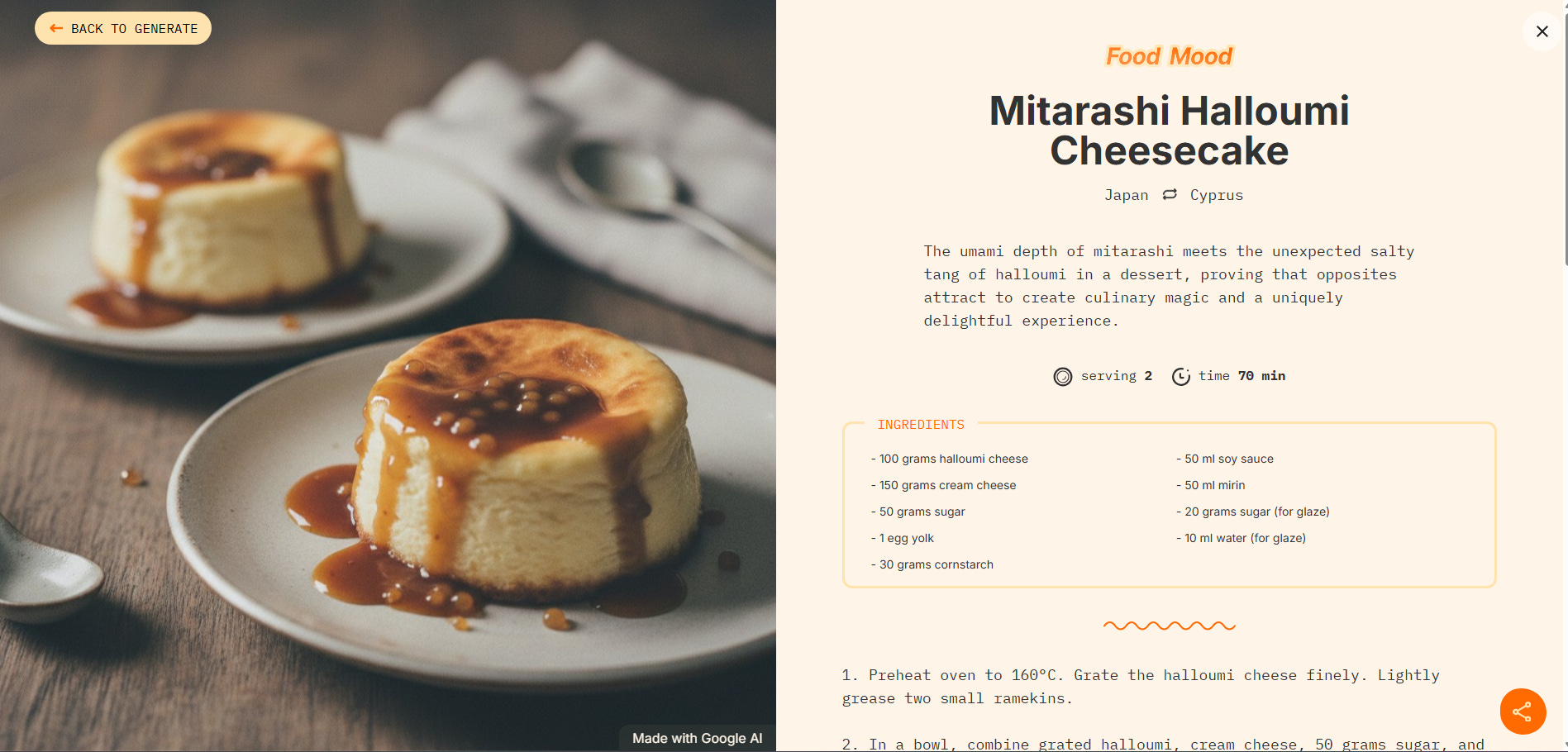
For a lighter creative break, check out Food Mood in Google Labs. It’s a fun AI fusion generator that mashes two different cuisines into one unique dish. Just pick your course and two countries, and it whips up a full recipe plus a stunning AI visual of the result.
It’s a perfect example of AI being used for pure, delicious creativity.😋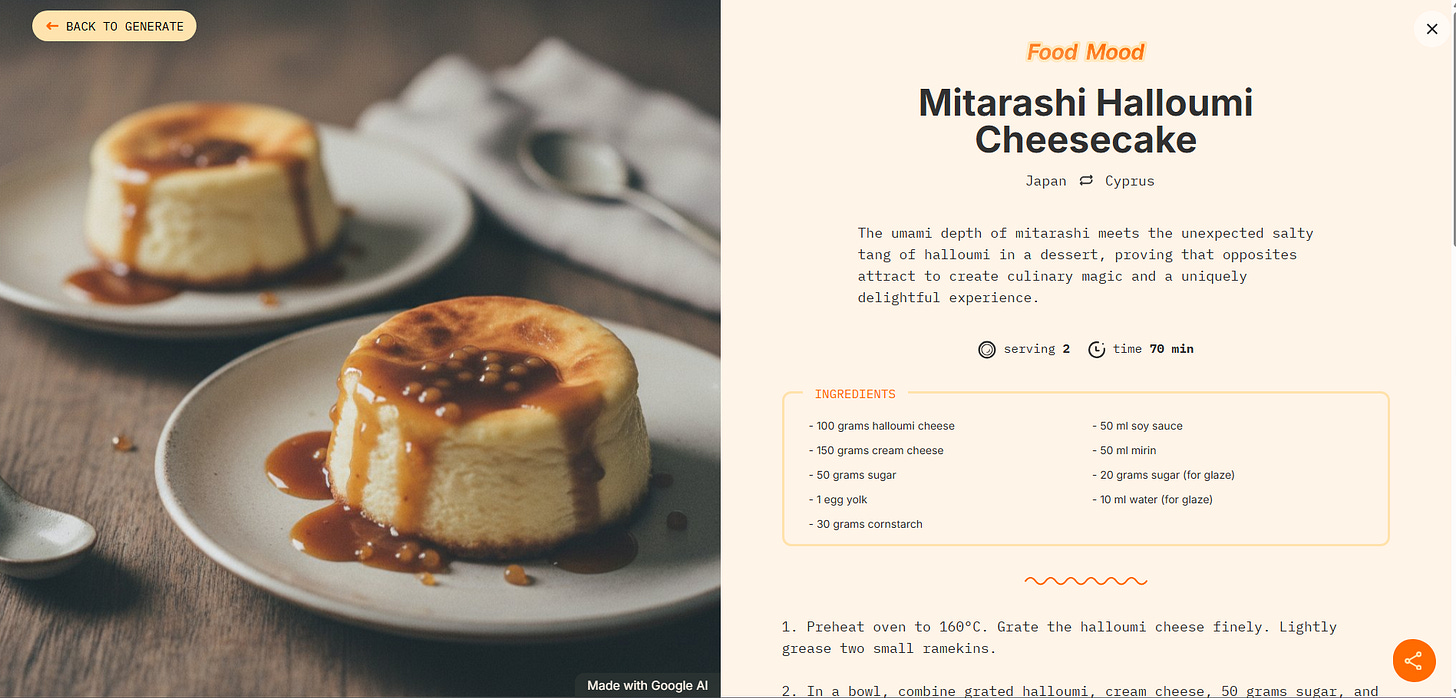
The Prompt Vault 💎
A slow-motion rack-focus shot in an overgrown cyberpunk garden. Starts with a sharp focus on a single violet orchid dripping with glowing nectar in the foreground. Slowly shifts focus to reveal a sleek, chrome robotic hand reaching out in the background. Anamorphic lens flare, deep bokeh, cinematic atmosphere.
Portrait of a model whose skin is partially transitioning into liquid amethyst quartz. The lighting is a "clash" of warm golden hour sun and cool purple neon rims. High-fashion editorial pose, sharp eye contact, ultra-detailed skin pores and light sweat, cinematic color grade, Balenciaga-inspired surrealism, extreme sharpness.


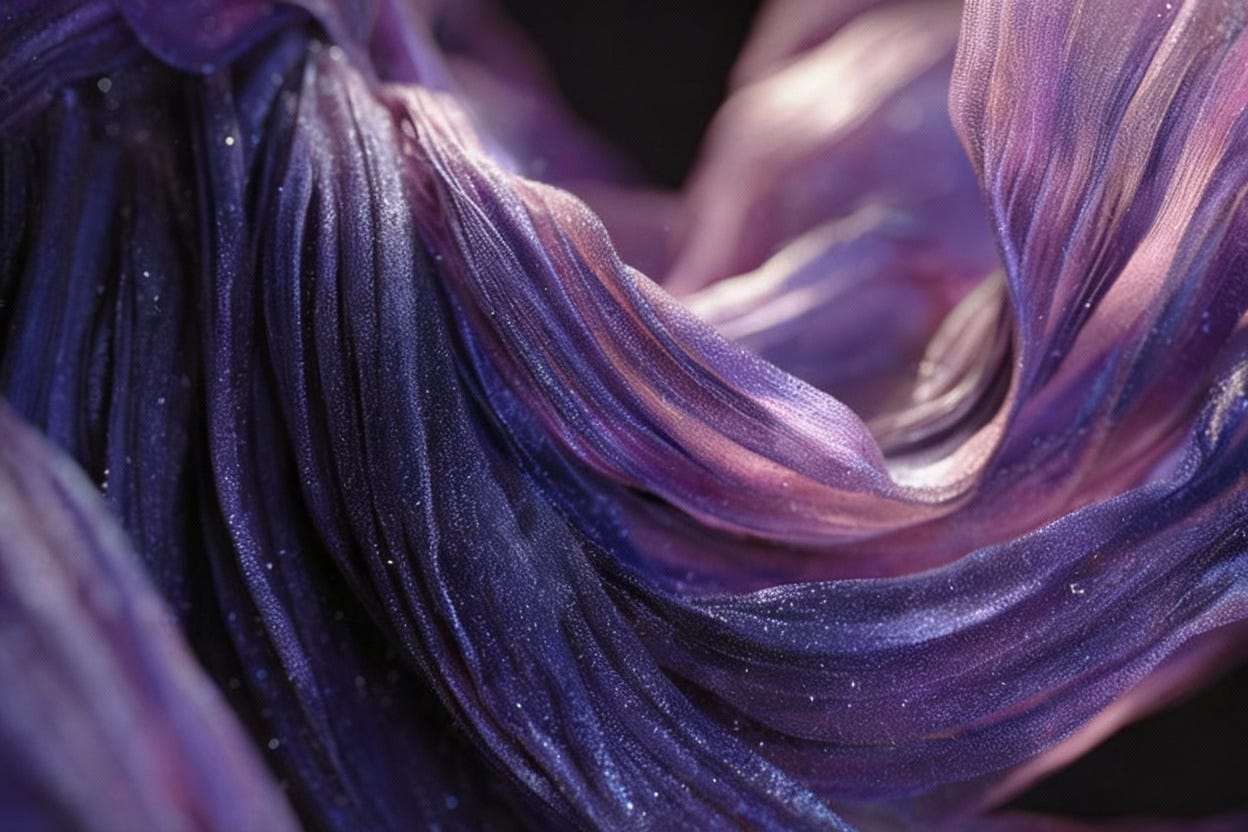
Extreme close-up macro of a futuristic pleated garment made of iridescent deep-violet silk and translucent glass fibers. The fabric is dusted with microscopic crystalline frost. Shot on Hasselblad, 100mm lens, f/2.8. Harsh side-lighting to emphasize the organic texture and "purple haze" shadows. Tech-noir aesthetic, hyper-realistic materiality.
Let’s light up the AI world! ✨
I’ve spent the last few years watching how tools come and go, but I’ve also seen how creative teams struggle to keep up. Most departments are currently “tool-rich but workflow-poor”, they have the subscriptions, but their process is still slow and expensive.
To help solve this, I am now offering the Creative Team AI Audit.
Instead of just adding more noise, I look at exactly what your team is currently using and where the bottlenecks are. I’ll help you optimize your existing stack, cut out the fluff, and suggest the high-performance pipelines that will actually save your company time and money.
If you want to bring your department’s creative output into 2026 and turn your team into an AI-powered powerhouse, just hit reply to this email to start the conversation.
✨Make some AI magic and tag me on X, Instagram or Pinterest.
If you find value in what I’m building here at PicAisso, please consider supporting my work here. Your support allows me to stay in the trenches testing these tools every day so you don’t have to. You are all amazing. ✨
Have fun creating with AI,
Zeng 💜